

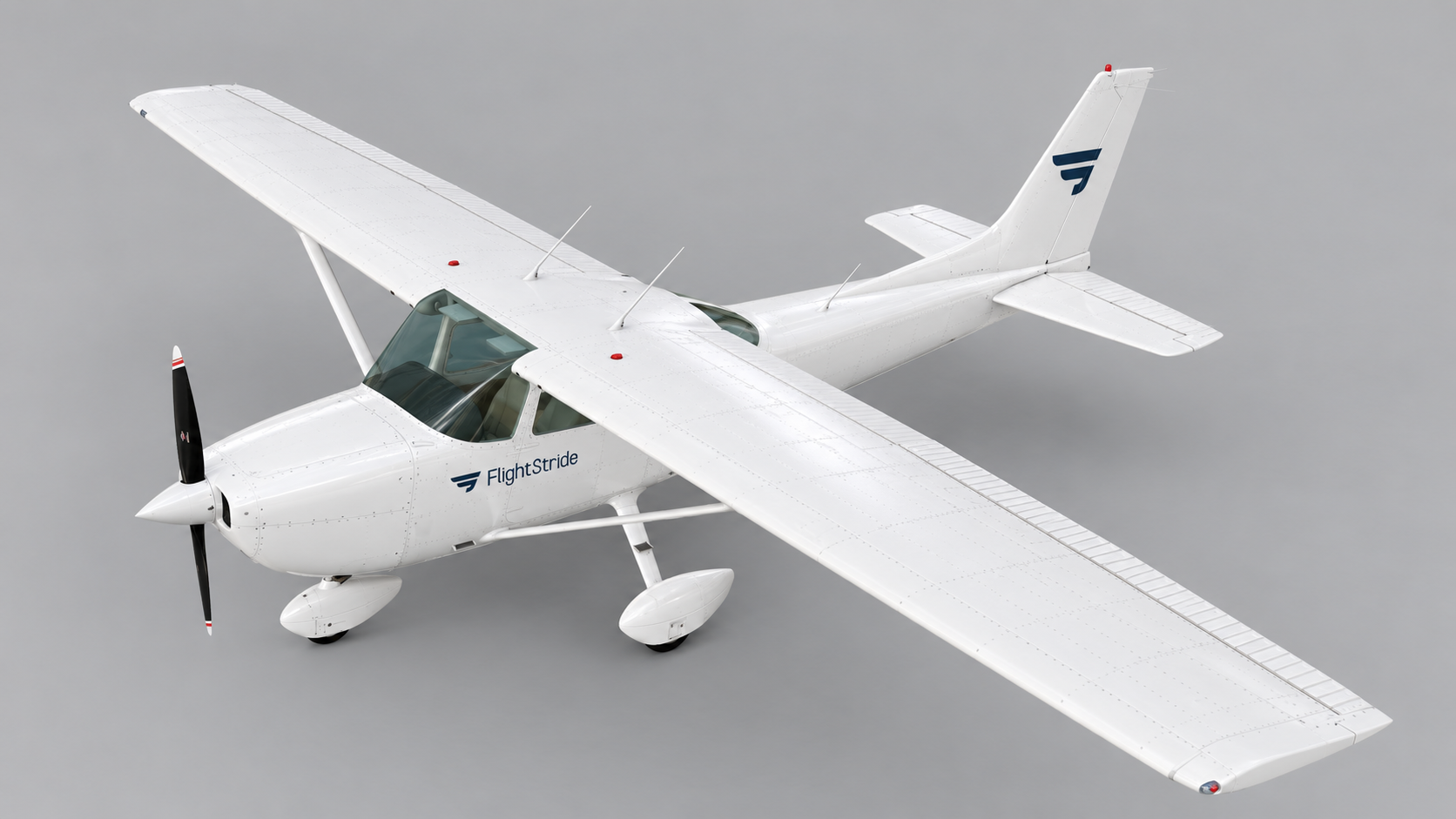
The problem a student pilot app should solve
Private pilot training is spread across many months and many lessons. The details that matter most, such as how much dual and solo time you have, which endorsements you hold and what you still need before the checkride, are easy to lose track of.
A student pilot app should make those answers visible at a glance, without you adding up columns or digging through old messages.
Features that matter in a student pilot app
- A flight logbook that totals total, dual, solo, night and cross-country time automatically
- Progress against the FAA private pilot minimums so you can see what is left
- A place to keep instructor endorsements next to the flights they relate to
- A link to your flight instructor so they can follow your progress and add records
- FAA knowledge test practice, so study and training live in one place
- Airport information for planning cross-country flights
- Works well on a phone, because most logging happens right after a lesson
Features that sound good but matter less
Plenty of apps list dozens of features. For a student pilot the useful test is simple: does it help you log accurately, know where you stand and talk to your instructor? Anything that does not support those three jobs can wait until after your private pilot certificate.
How FlightStride works as a student pilot app
You can create a free account and start logging right away. Paid plans add more features, and you can compare them on the pricing section of the home page.
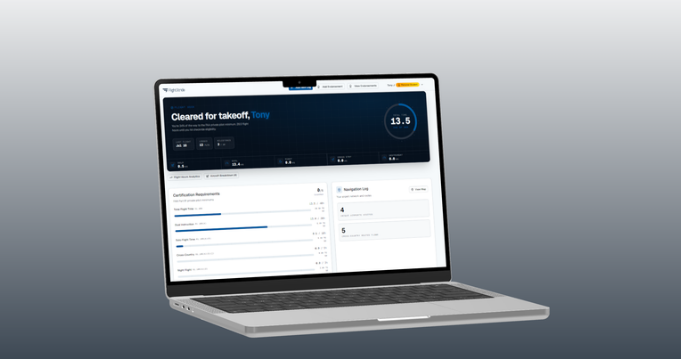
- Log each lesson and see dual, solo, night and cross-country totals update on your dashboard
- Track progress toward the private pilot flight experience requirements
- Keep CFI endorsements with your training record
- Link with your CFI, who can review your progress and add flight logs and endorsements
- Practice FAA Private Pilot written test questions, including tests your instructor assigns
- Look up airports for your next cross-country
Put this into practice with FlightStride
Log flights, see your progress toward the private pilot certificate, and keep your instructor in the loop. Free to start, no credit card required.
Frequently asked questions
What is the best app for student pilots?
The best student pilot app is the one you will actually use after every lesson. Look for automatic logbook totals, progress against FAA minimums, endorsement tracking and a link to your instructor. FlightStride is built around those needs and is free to start.
Is there a free student pilot app?
Yes. You can create a FlightStride account for free and begin logging flights and tracking your progress without a credit card.
Do I still need a paper logbook if I use an app?
The FAA does not require a specific logbook format, and electronic logbooks are common. Confirm with your instructor and your designated pilot examiner that they are comfortable with how you keep your records.
Can my flight instructor use the same app?
Yes. Instructors can create a CFI account, link with their students, view progress, add flight logs and endorsements, and assign practice tests.